



Did you recently get the Tesla you have been eyeing for a long time but now the side camera isn’t working? That’s tough, and I feel for you.
[su_note note_color=”#fff73d”]There could be numerous reasons for the Tesla side camera not to work, including a system glitch, physical obstruction or dirt on the lens, connectivity problems, bad weather conditions, electromagnetic interference, and configuration issues.[/su_note]
[su_note note_color=”#eee”]To fix the Tesla side camera not working issue, you can simply perform a system reboot, clean the camera lens, update the software of your Tesla, reset the camera settings, inspect the camera for any damages, check the connections, and recalibrate the system. [/su_note]
If this is your first time experiencing problems with your Tesla’s side camera, and you have no idea why this is happening and how you can fix it, keep reading to know more about it.
Note: Facing frustration with your Tesla app not connecting? this guide may help you.
Why Does the Tesla Side Camera Stop Working? Common Reasons
There can be numerous reasons why the Tesla side camera stopped working; here are some listed for you.
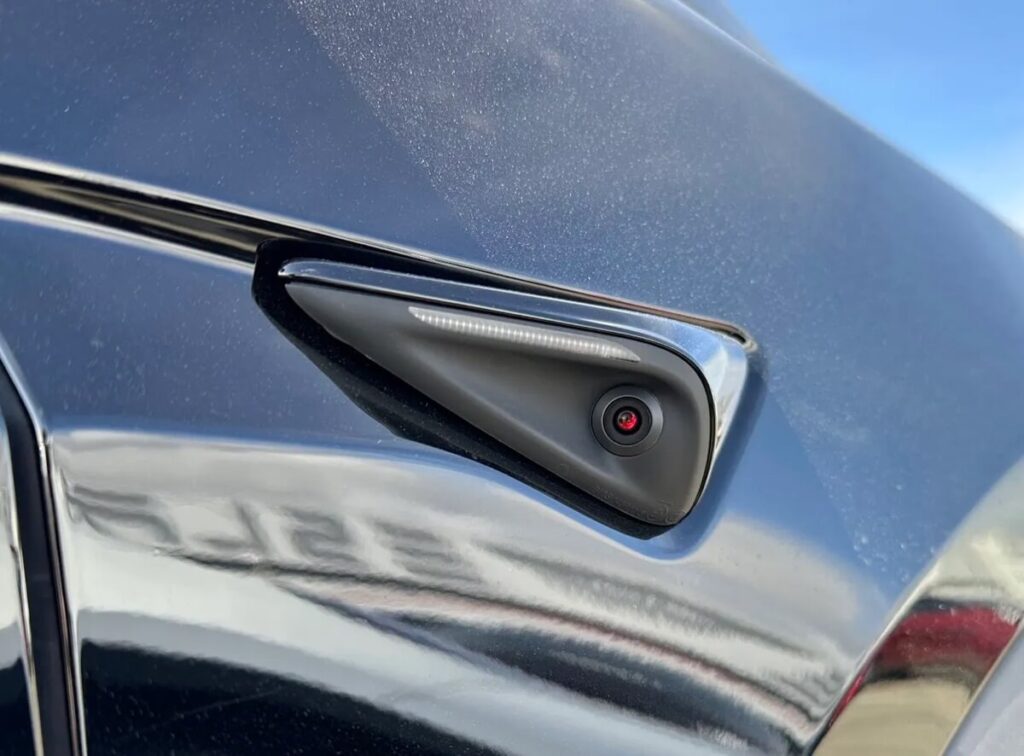
Physical Obstruction or Dirt
Another thing that could make the Tesla’s side camera go bad is a physical obstruction on the camera, i.e., some physical object might have covered the camera. Dirt on the camera lens could also obstruct your view, and you might struggle to see other vehicles on the road.
Connectivity Issues
If the wires connecting the side camera of your Tesla to the system are damaged or faulty, the camera might stop functioning. The same could happen if the power supply to the camera is obstructed.
Hardware Problems
Like other components of your Tesla, the camera’s hardware could also go bad. When this happens, it’s normal to experience problems with the camera, and you might need to replace the hardware with a new one to get it back to work.
Calibration Issues
The camera of your Tesla is often a crucial part of the broader sensor suite for your Tesla and needs calibration for its proper functioning. If you have recently made some repairs or changes to your vehicle’s system, the camera would need calibration to work properly.
Weather Conditions
When the weather conditions get rough, i.e., there is fog, snow, heavy rain, etc., the camera’s performance could be affected. Though Tesla is made to operate perfectly fine in bad weather conditions, sometimes, when the weather conditions are too extreme, you can expect such problems.
Electromagnetic Waves
Electromagnetic solid waves coming from nearby devices can also interfere with the working mechanism of the Tesla’s side camera. This can also happen when your vehicle is in an area with strong electromagnetic waves surrounding it.
Software Configuration
If the camera settings are not configured correctly, or there are some custom settings affecting the configuration of the side camera, you might face some problems with it.
Fixes for the Tesla Side Camera Not Working:
Now that you have gone through all the things that could make the side camera of your Tesla Model 3, X, and Y, here are all the fixes you can try to resolve the problems.
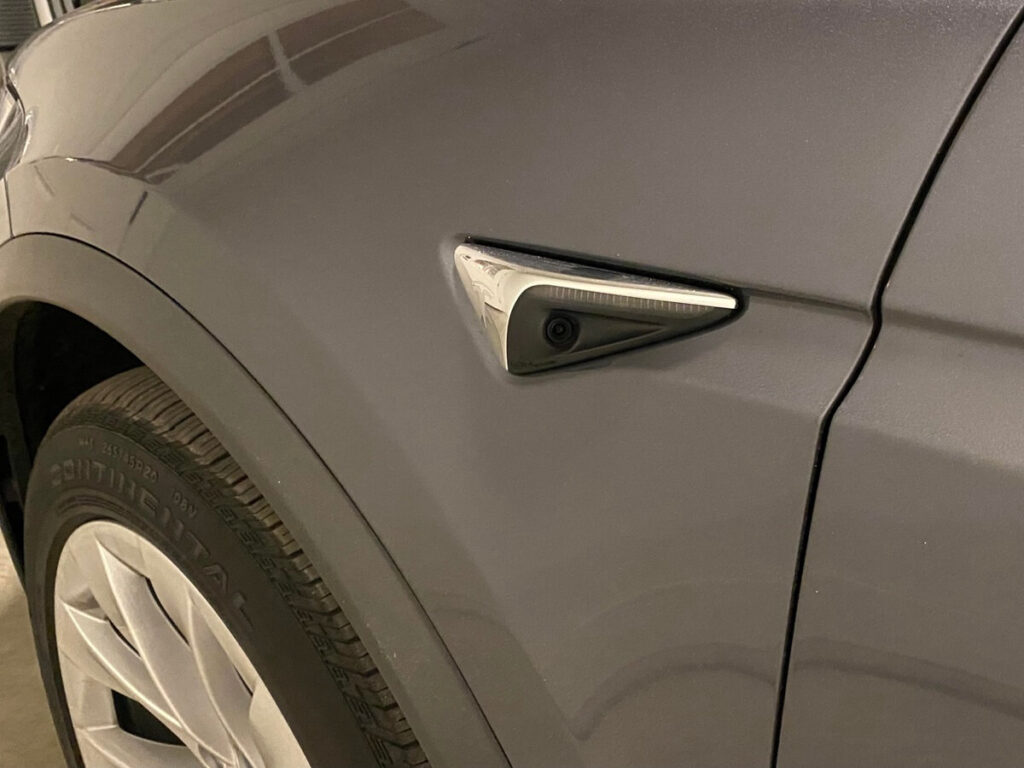
Fix #1: Update the Software
One of the first things you can do to fix any Tesla problems is to update the software. It’s because most of the problems with various components of the Tesla arise due to outdated software. Simply go to your Tesla’s system settings and update them to fix the side camera problem.
Fix #2: Reboot the System
Rebooting the Tesla’s system is another thing you can do to fix the problem with the Tesla’s side camera. Head to the “Controls” option on the Tesla’s menu for this. Choose “Safety & Security” and select “Power off” to turn off the system.
Wait for a few seconds before starting the vehicle again. Doing so might help you overcome temporary issues with your Tesla, including the left or right camera problems.
Fix #3: Reset the Camera Settings
Another fix you can try to get the side camera of your Tesla back to working is resetting the camera settings. Here is what you can do to reset the camera settings of your Tesla:
- Open the menu on your Tesla.
- Select the “Controls” option on the screen.
- Choose the “Safety & Security” option.
- Hit the “Camera” option and reset the settings to default.
Similar Posts:
Conclusion
In this write-up, I have listed all the possible causes for the side camera not working issue and provided you with some fixes you can try to resolve the problem.
Hopefully, you won’t have to deal with this issue anymore and can enjoy driving your Tesla freely.
