


Your experience with a malfunctioning Tesla Supercharger may be frustrating if you depend on it for car charging or have travel plans. But there are natural ways to solve this problem.
[su_note note_color=”#fff73d”]If you’re aware of these issues, you can try restarting the Tesla (such as Y, 3, S, & X), checking the port, testing the connections, and reconnecting the battery as possible fixes. Those who own a Tesla car may be capable of resolving issues and enhancing their Supercharger charging experience by following these steps.[/su_note]
Common Causes of Why Won’t My Tesla Charge At The Charging Station:
1. Internal Errors from Extensive Use:
Regular and heavy usage of a Tesla can lead to internal errors within the vehicle’s systems. Over time, these errors might affect Tesla’s ability to communicate properly with a Supercharger. This can prevent the charging process, causing disruptions when charging the vehicle.
2. Obstruction in Charge Port:
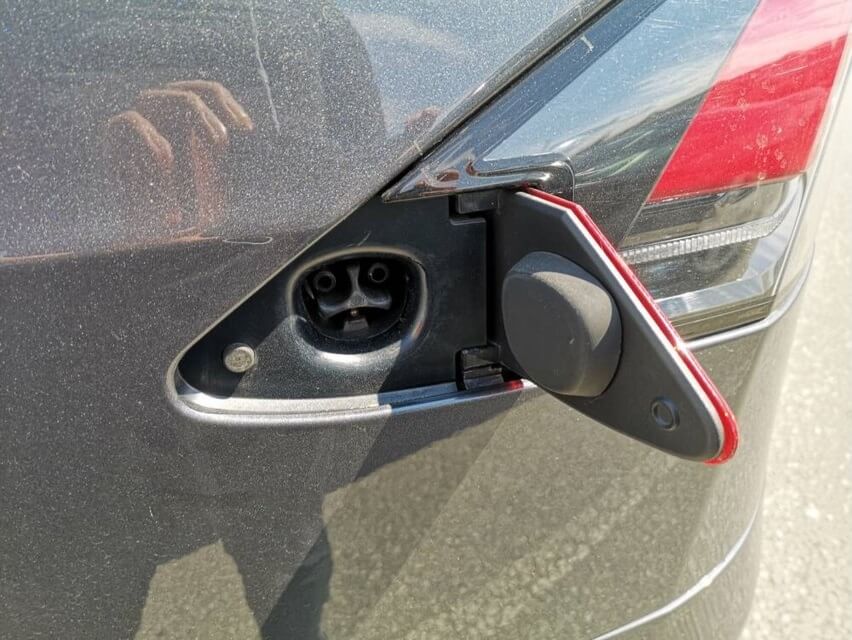
Accumulating snow, dust, or particles inside the charge port can pose a significant obstacle to optimal charging. In adverse climate conditions, particles can get lodged inside the port, delaying the locking mechanism of the connector. Consequently, this obstruction prevents a practical connection between the charging cable and the Tesla, leading to charging issues.
3. Improper Supercharger Connection:
An incorrect or loose connection between the Supercharger and Tesla’s charging port is another common reason for setup issues. If the Supercharger is not plugged properly or has a loose connection, it can stop the start or disrupt the charging process.
4. Cold Temperature Challenges:
Tesla charging problems usually arise when the surrounding temperature falls below 20°C. Lithium-ion batteries, commonly used in electric vehicles like Teslas, show reduced efficiency in colder temperatures. The battery might also struggle to charge optimally, impacting the charging process. Pre-warming the battery a few minutes before starting charging can alleviate this issue and enhance battery performance.
Similar Posts:
Troubleshooting Methods for Tesla Supercharger Charging Issue:
If you wonder why is my Tesla plugged in but not charging? you can take specific steps to troubleshoot without complex tools, except for basic safety gear. Here are ways to address and possibly fix the issue:
1. Basic Troubleshooting
Reboot the Tesla:
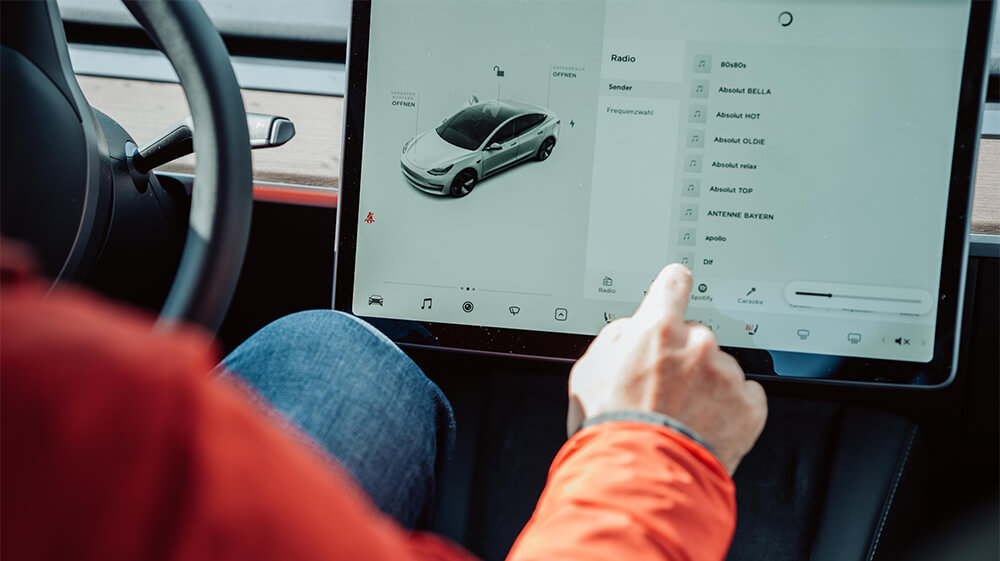
Press and hold the two scroll buttons (Left + Right) on the steering wheel to initiate a vehicle reboot.
Power Cycle the Tesla:
Place the car in P (Park) mode and go to Controls > Safety & Security > Power Off on the screen. Select Power Off and wait about two minutes for the power cycle to complete. Reactivate the car by using the brake pedal or opening the door.
Hard Reset the Tesla:
Open all car doors, windows, front trunk, and back trunk. In the Controls section, go to Safety & Security > Power Off and wait for the display to turn off entirely. After exiting the car, remove the battery cover, disconnect the negative post using pliers, unplug the Safety loop plug in the front trunk’s left corner, wait for a minute, reconnect the Safety loop plug, reattach the poor post of the 12V battery, change the cap, secure the battery cover, and finally, close all car openings. Verify charging functionality.
2. Port Maintenance
Clean the Charging Port:
Use a brush or cloth to clean the charging port surface and remove any dirt or debris.
3. Proper Connection
Ensure Proper Charger Connection:
Get out of the car, open the charging port, and put the Supercharger connector into the Tesla charging port by moving it from left to right until you hear a clear clicking sound, confirming a safe connection.
4. Battery Preconditioning
Warm Up the Battery:
Use the Tesla app to choose Climate > Defrost car on your phone, and start the process of defrosting the charging port and melting any snow. After 30 – 45 minutes of defrosting, choose a nearby Supercharger area in the app to warm up the battery while driving.
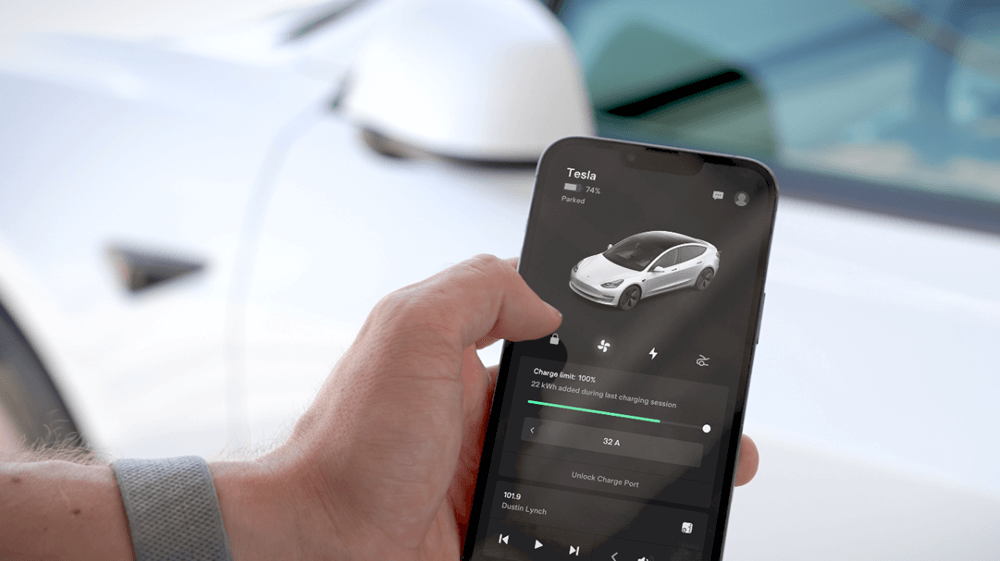
Following these step-by-step actions can help identify and fix the issue of why Tesla blocked Supercharging before seeking help from a professional.
Charging Limitations at Tesla Superchargers: Why Not Charge Tesla To 100%
If you are searching for why is my tesla not charging at supercharge then it is not possible to fully charge a Tesla. A full 100% charge is commonly impossible with a Tesla Supercharger due to how it sets. Going beyond 80% can put excessive stress on the battery cells, potentially affecting their long-term health.
Conclusion
To fix Tesla charging problems at Superchargers, you must find frequent causes, such as errors inside the charger, clogged ports, or weather-related problems. If you know these issues, you can find the proper answers, such as restarting the Tesla, cleansing the port, making sure the connections are correct, or preheating the battery. Knowing these steps helps Tesla drivers troubleshoot problems and achieve better results when charging at Supercharger stations.
