



Tesla is considered a top-quality brand in the automotive industry because of its innovative technology and its commitment to providing quality work to its customers. One of the common issues faced by customers is the unresponsive charging port.
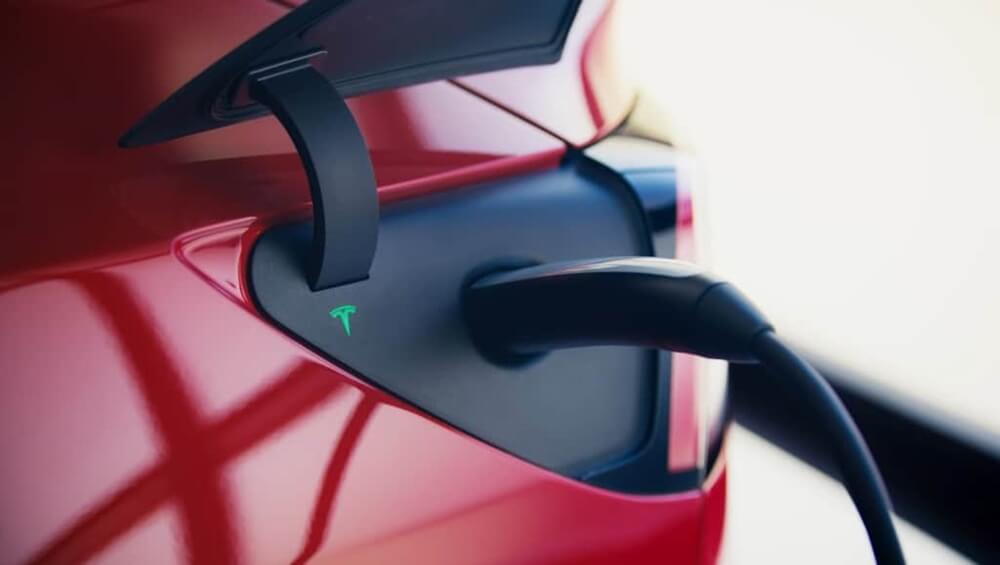
[su_note note_color=”#fff73d”]It is often problematic for the customers if the charging port of Tesla won’t open, or if it closes immediately after being open for a while. It is advised to take diagnostic steps to know the root cause of the problem such as software glitches, obstruction due to debris, or electronic issues.[/su_note]
Also, try to open the Tesla models manually using a lever or actuator. If the problem remains, professional assistance is recommended.
Why is My Tesla Charging Port Not Opening?
The normal opening and closing of Tesla might be affected due to several reasons such as:
1. Electrical Malfunction:
The charging port’s mechanism might experience electrical problems just like any other electronic component, as a result, the commands are not fulfilled.
2. Mechanical Obstruction:
The normal working of the charging port is affected if there is any physical obstruction like debris or foreign particles.
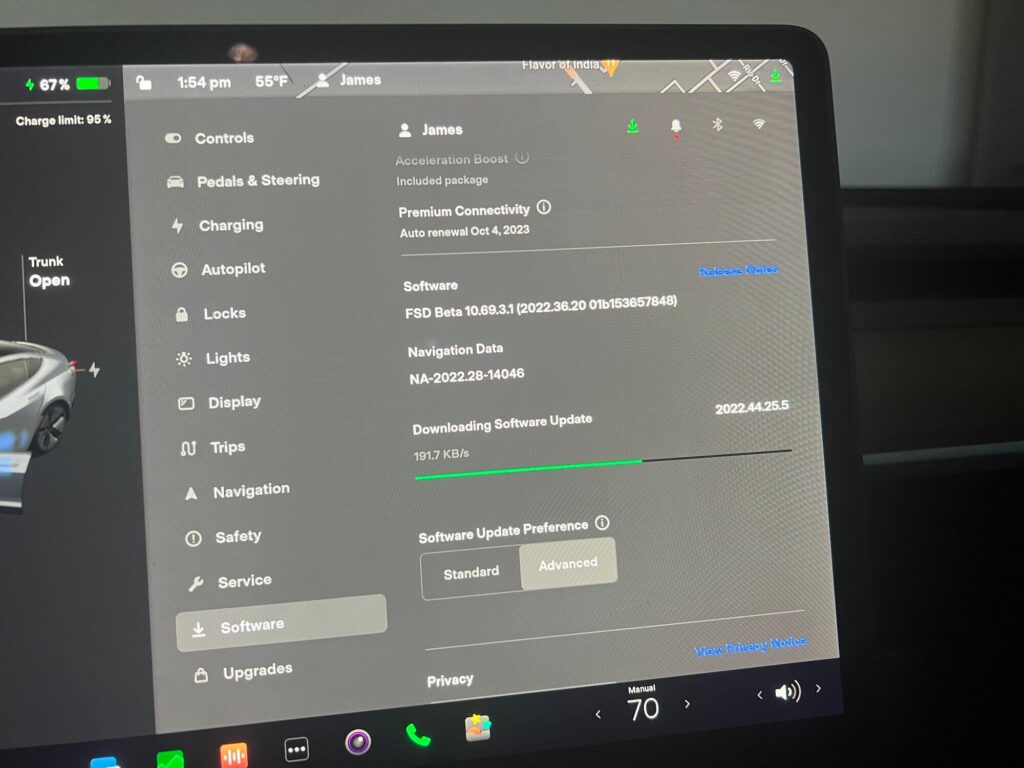
3. Software Glitch:
If there is any issue with the car’s software which has any relation to the charging system, the charging port might not operate correctly.
4. Faulty Components:
Wear and tear may cause malfunctioning in the charging port’s mechanical parts, such as motors or latches.
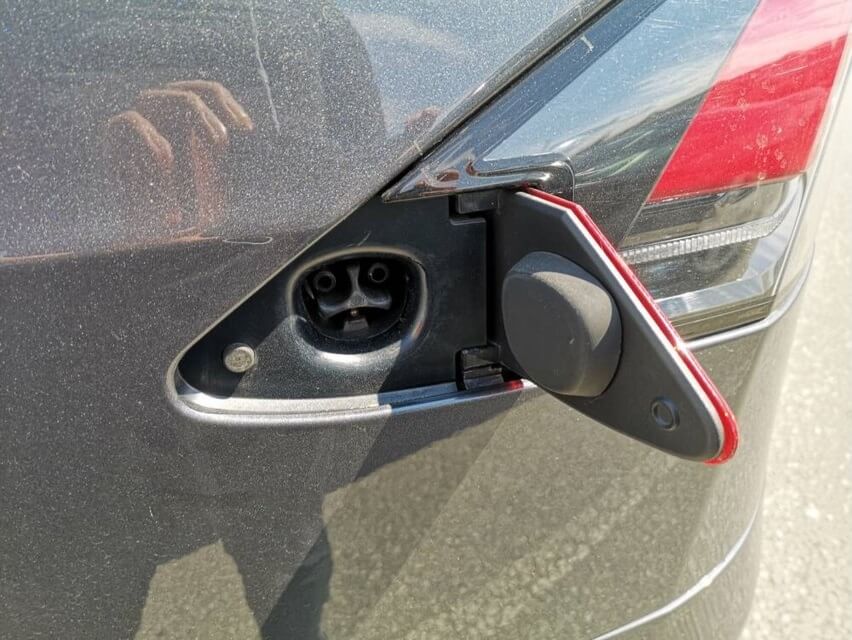
Why Won’t My Tesla Charging Port Open?
Port Open Error:
One error that is faced by the Tesla owners is the notification, “Port Open Error” notification appearing on the dashboard. This warning indicates that there is some sort of miscommunication between the charging port mechanism and the electronic control system.
Port Doesn’t Open:
Sometimes the port itself refuses to open, it may be due to mechanical error or malfunctioning of the electronic control system.
Won’t Stay Open:
The mechanical breakdown in the actuator can cause the charging port to close as soon as it opens.
Won’t Unlock:
The charging port may not open if the charging port is not unlocked, due to malfunctioning in software or mechanical breakdown.
How Do You Manually Unlock A Tesla Charging Port?
Listed below is the step-by-step guide for opening the port manually:
For Model S and Model X:
Access the Charging Cable:
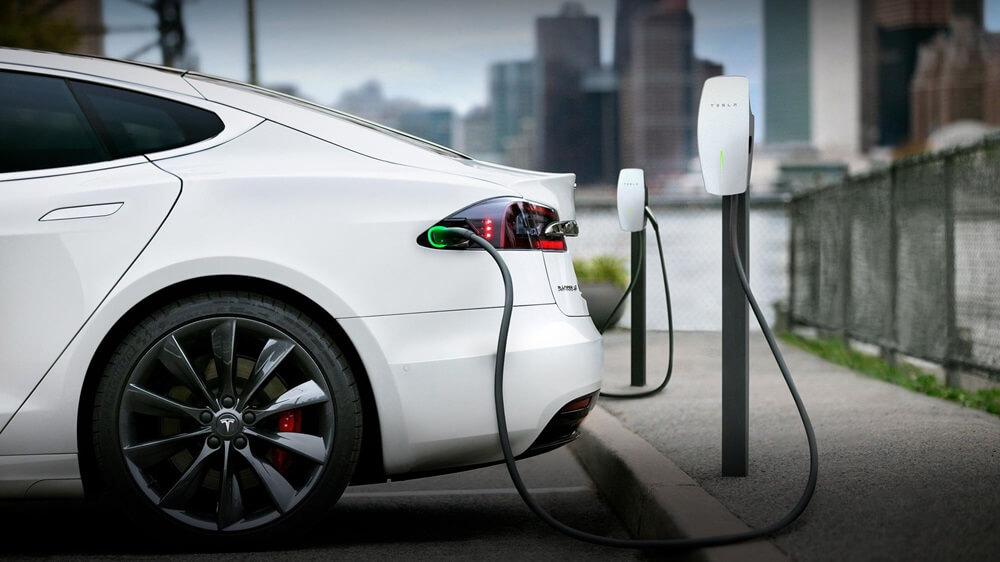
The first step is to check if your vehicle is unlocked and if the charging cable is not connected to the charging port.
Locate the Emergency Release Cable:
Next, find the emergency release cable which will be somewhere in the trunk of your Tesla Model S and Model X.
Pull the Emergency Release Cable:
Gently pull the emergency release cable until you feel it stop, showing that the port is now unlocked manually.
Open the Charging Port:
After the emergency release cable is pulled off, Manually press the charging port door open.
For Model 3 and Model Y:
Access the Trunk:
The first step is to confirm that the charging wire is unplugged and your Tesla Model 3 or Model Y is not locked.
Locate the Charging Port Release:
Then locate the manual charging port release lever somewhere in the trunk region. normally it is found on the driver’s side, it’s either on the back wall of the trunk or inside the trunk rear wall.
Pull the Release Lever:
As you face opposition when you pull the release lever, the charging port has been manually unlocked.
Open the Charging Port:
Press the door of the charging port open manually after the release lever has been pressed.
Similar Posts:
- Tesla Won’t Charge To 100
- Tesla Charging Cable Not Fully Secured
- Tesla Model 3 Frunk Won’t Open
- Tesla Model X Falcon Door Won’t Open
- My Tesla Won’t Charge At Supercharger
Tips to Avoid Problems Related to Charging Port:
- Reboot the system:
It is advised to restart your Tesla’s computer system if the charging port is not working right. To restart, press and hold both of the steering wheel’s scroll buttons until the display turns dark and the Tesla logo is visible once again.
- How to keep the Charging Port Open:
Make sure your vehicle is unlocked and try to manually open your charging port if you want it to stay open longer. Look for any obstacles like dirt or debris and try to open them by hand.
- Software Updates:
Make sure your Tesla model has the latest software update. Software updates often come with improvements that can fix issues with charging ports.
Conclusion:
Facing a charging port that won’t open can be frustrating, but using manual opening methods can be the best solution for minor software or electronic glitches. Understanding the possible causes, trying different methods, and using manual ways can save you from further problems.
Contacting Tesla’s customer support or visiting a Tesla service center is recommended if the issue persists despite your efforts. Well-trained professionals can recognize the main cause and implement any essential solutions required to ensure that your Tesla’s charging port works consistently and effectively.
